
medicomeds.com

Sale!

Waldent Intra Oral Camera with Screen – Ergo (10 MP)

Original price was: ₹23,520.00.Current price is: ₹20,500.00.

Description

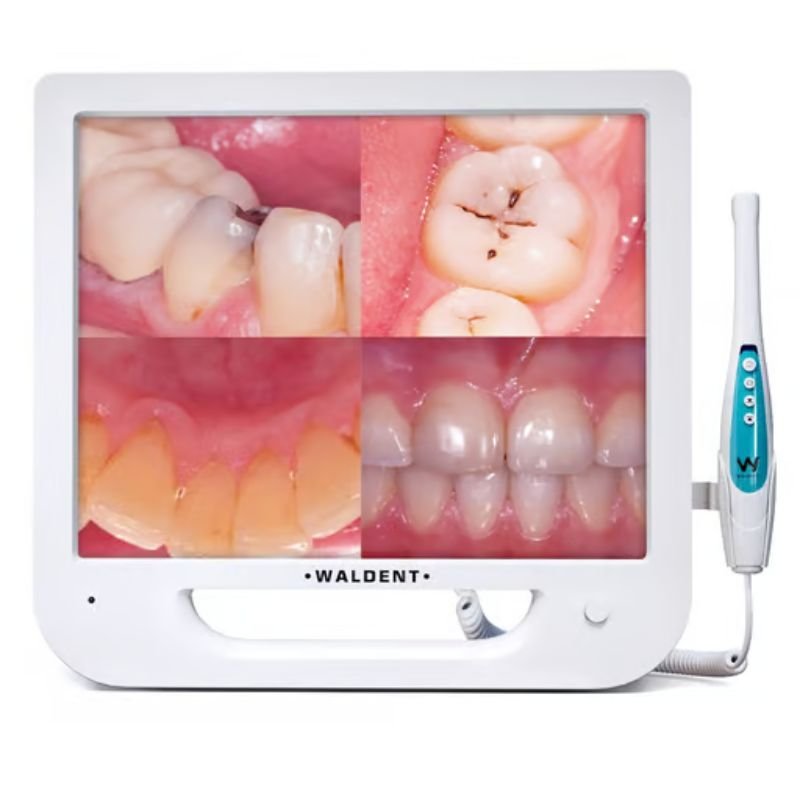
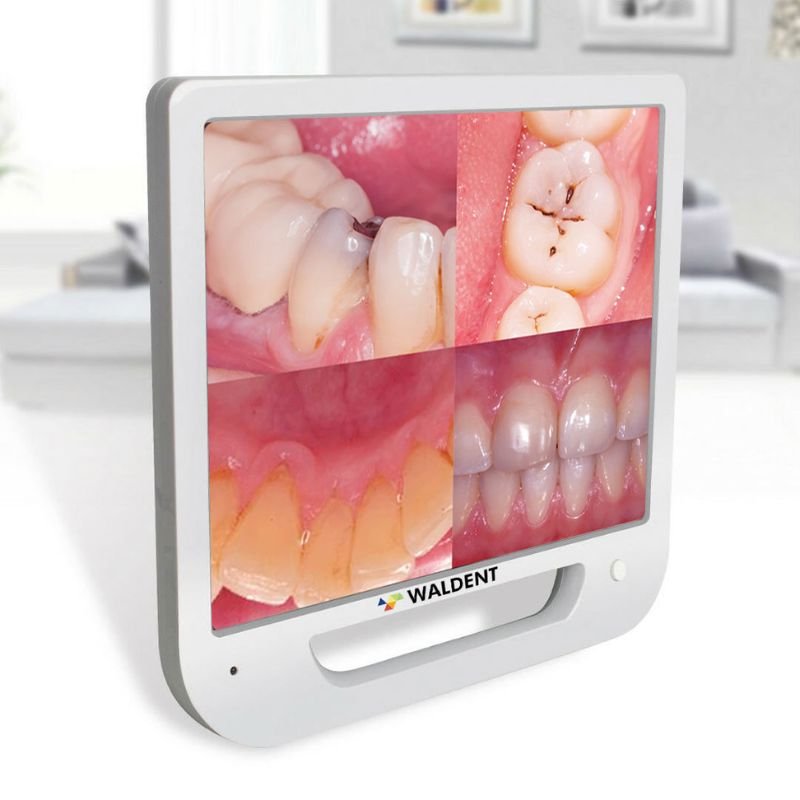
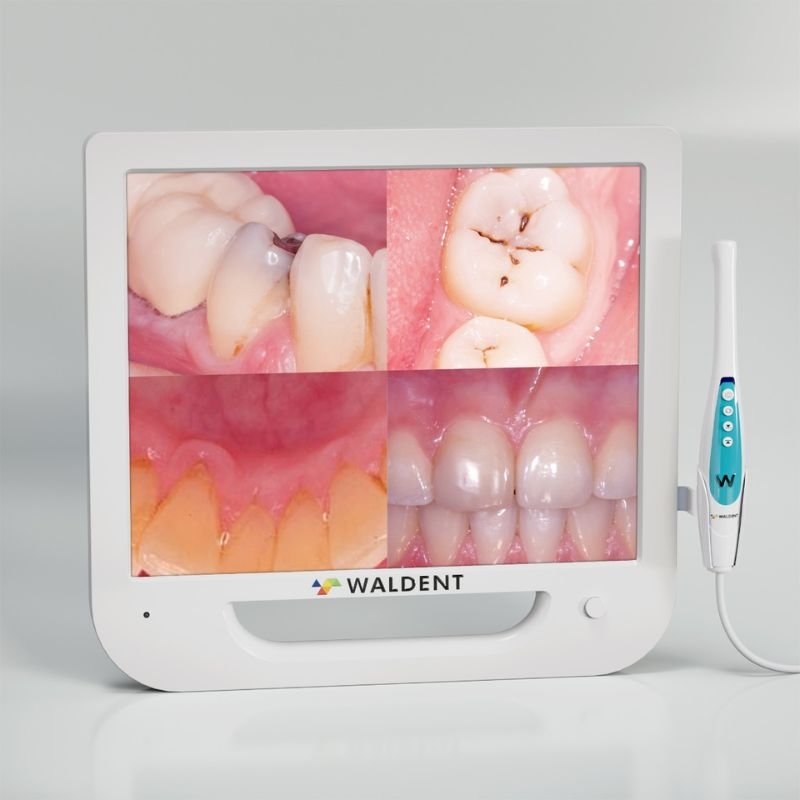
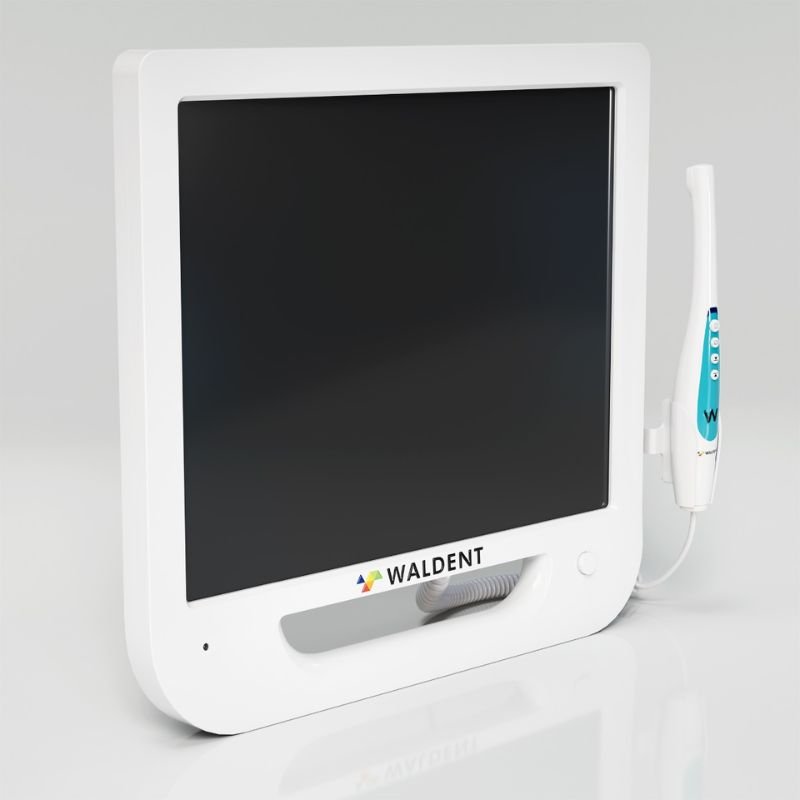
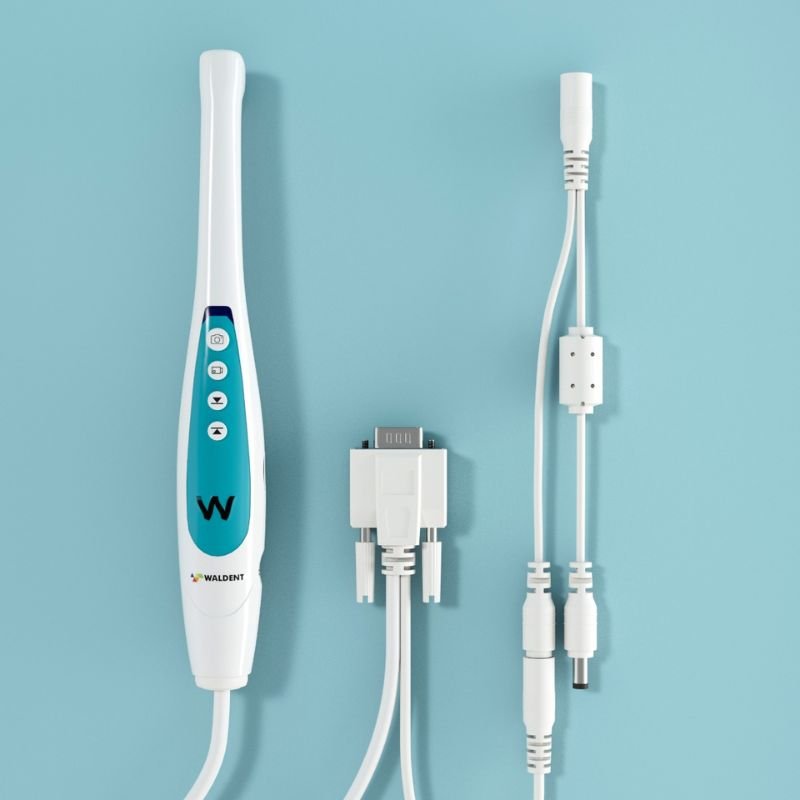
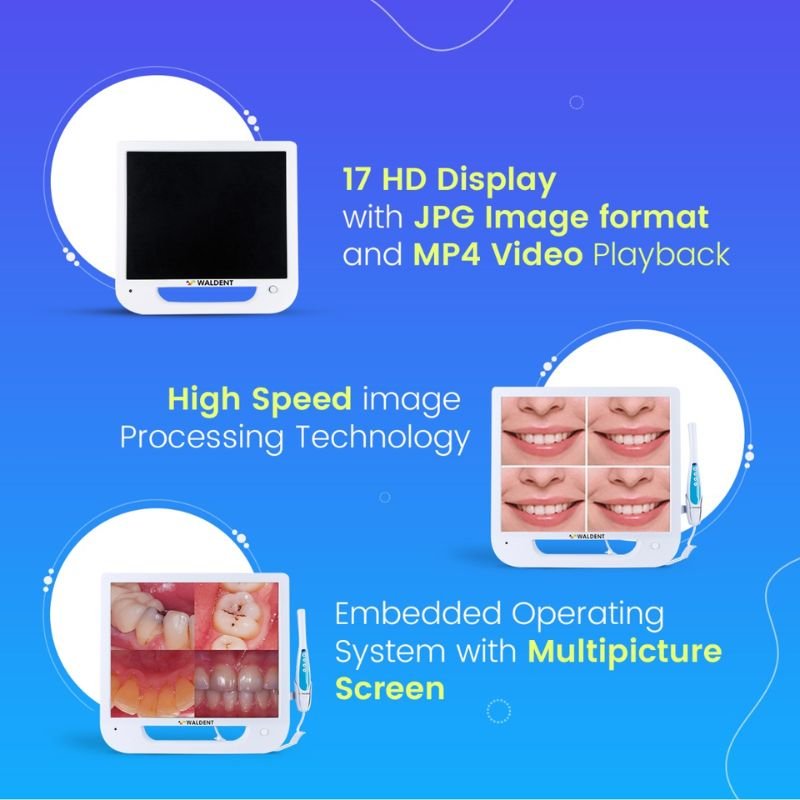
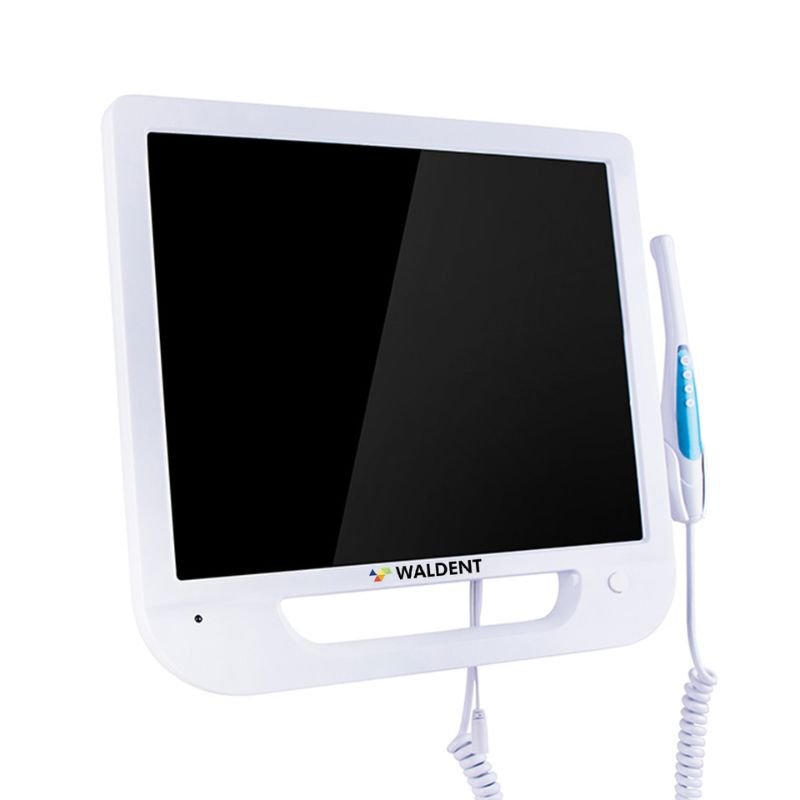
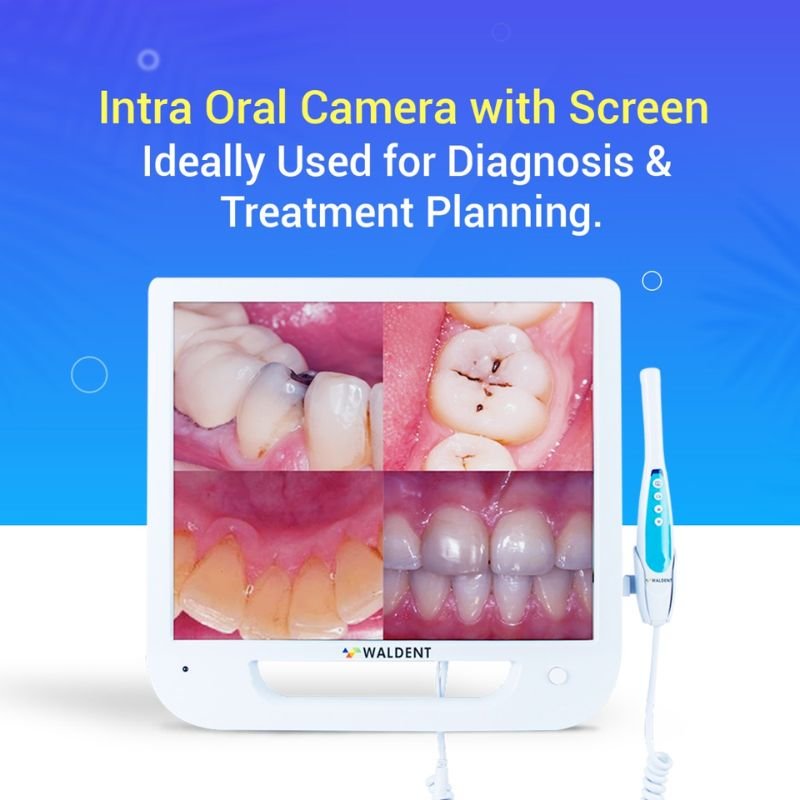
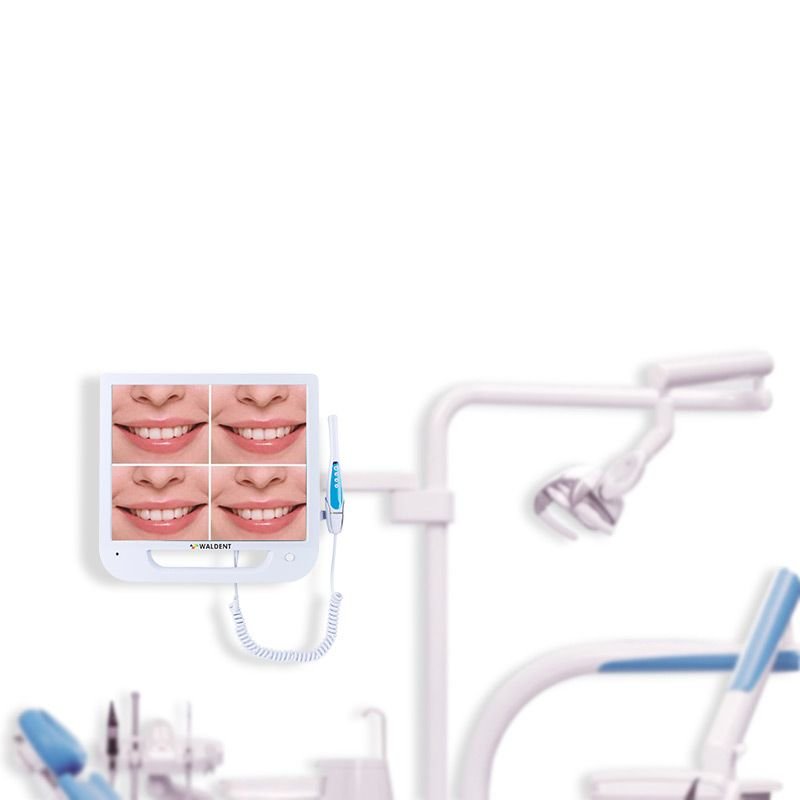
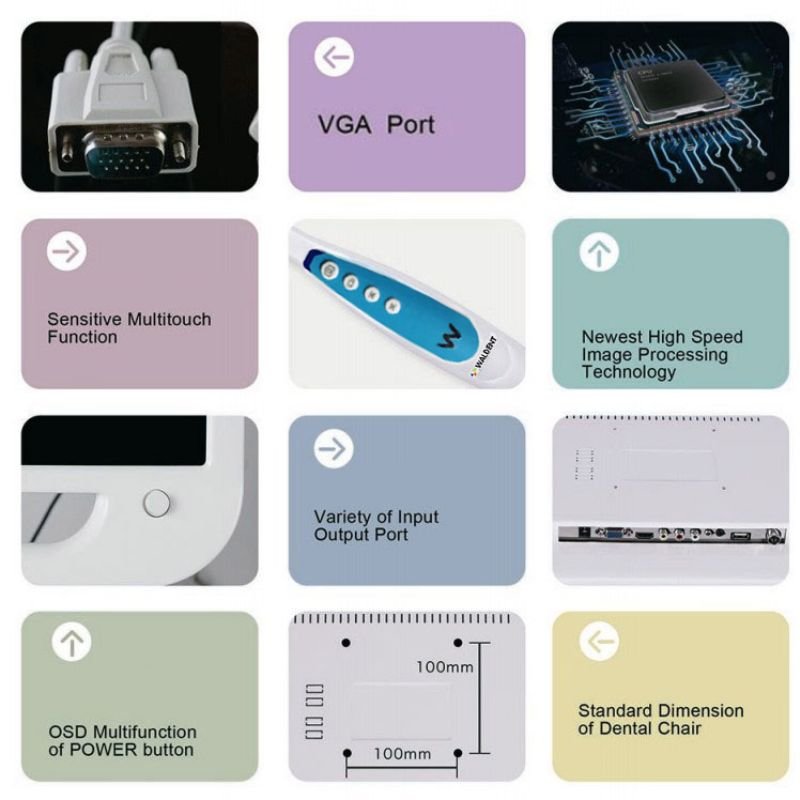
The Waldent Intra Oral Camera with Screen – Ergo (10 MP) is an intraoral imaging system designed to help dental professionals capture and display images of teeth, gingiva, and other visible oral structures. Its integrated 17-inch HD monitor allows clinicians to show examination findings directly to patients, making it easier to explain oral health conditions and discuss treatment options.

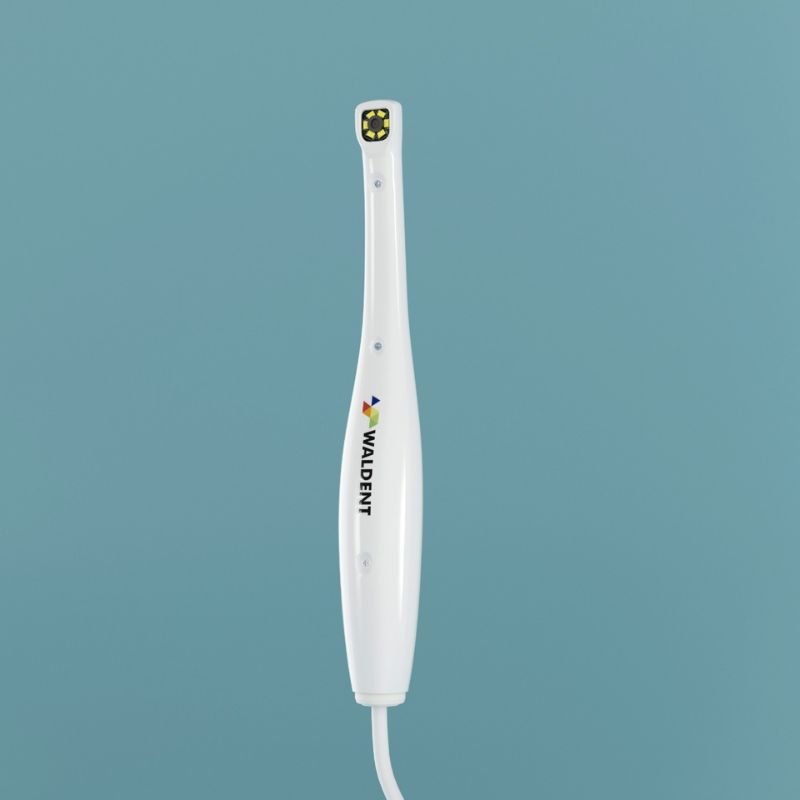
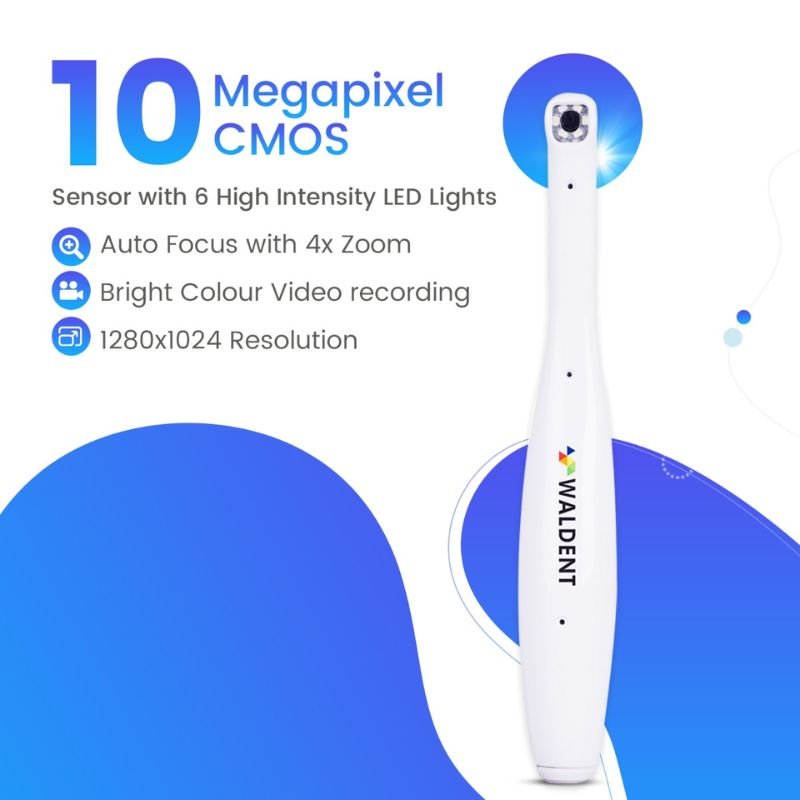
The camera features a 10 MP CMOS sensor, autofocus functionality, 4× zoom, and six high-intensity LED lights. Its stated focusing range of 5–50 mm supports image capture at different working distances. The integrated illumination assists visualization during intraoral examination and clinical image documentation.

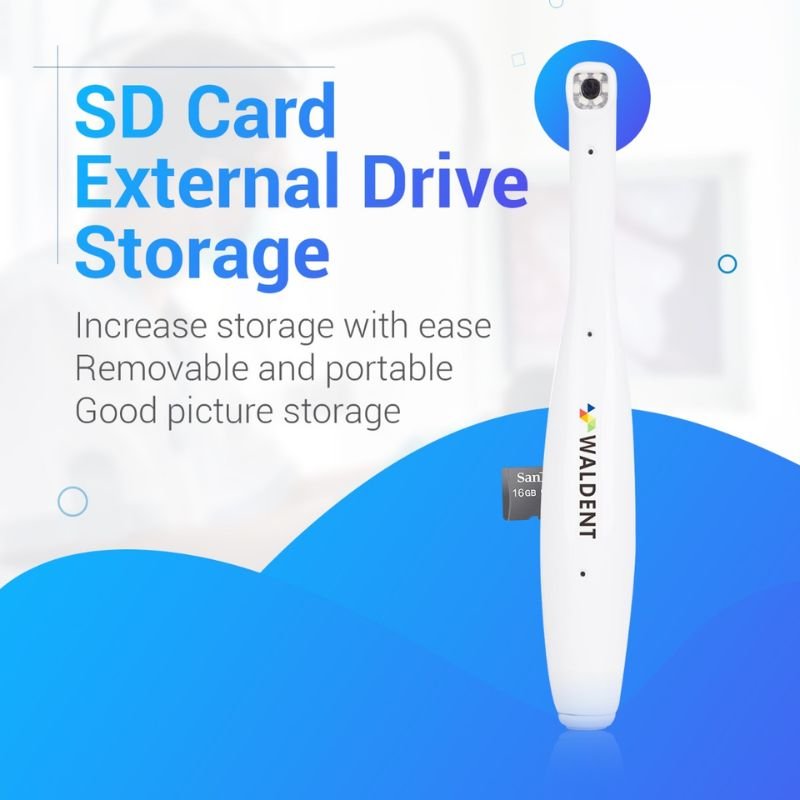
The system incorporates an embedded operating system and offers single-image and four-image display modes. Captured images can be saved in JPG format, while MP4 video playback is supported. The SD card storage system allows images to be saved, reviewed, and transferred for future reference, subject to the supported storage configuration.

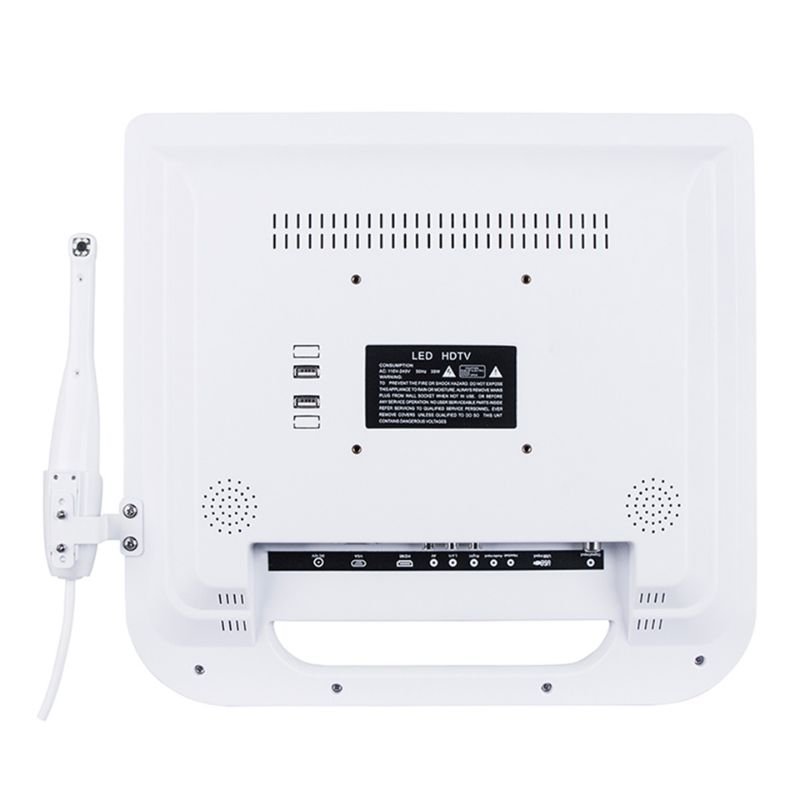
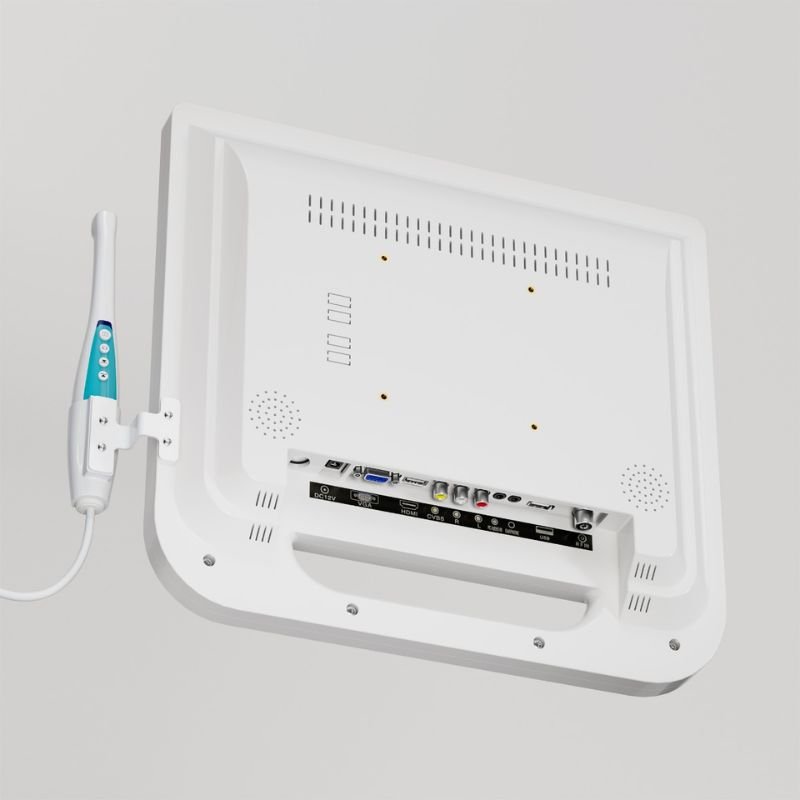
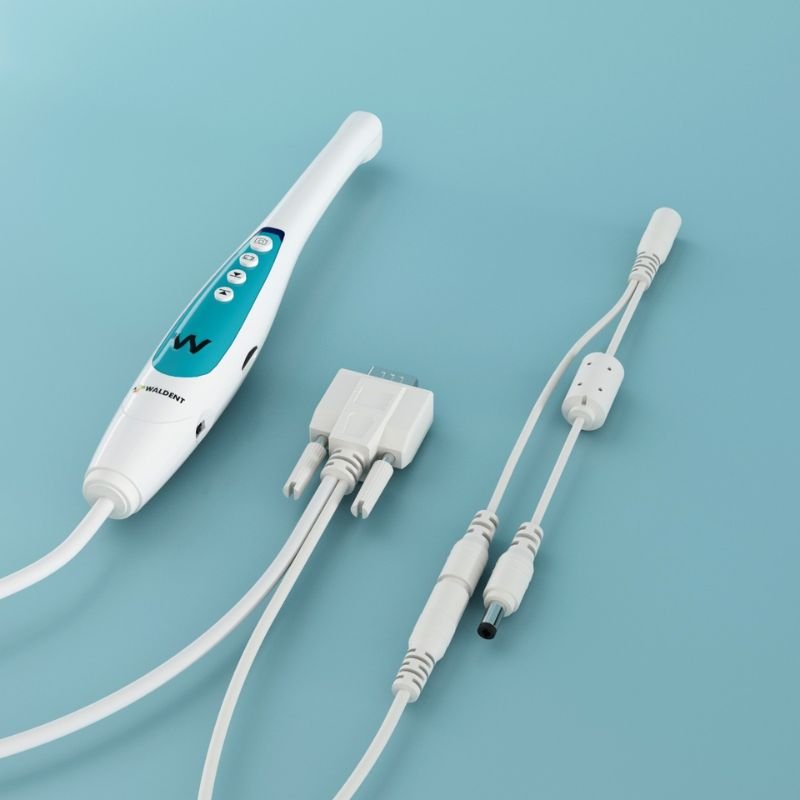
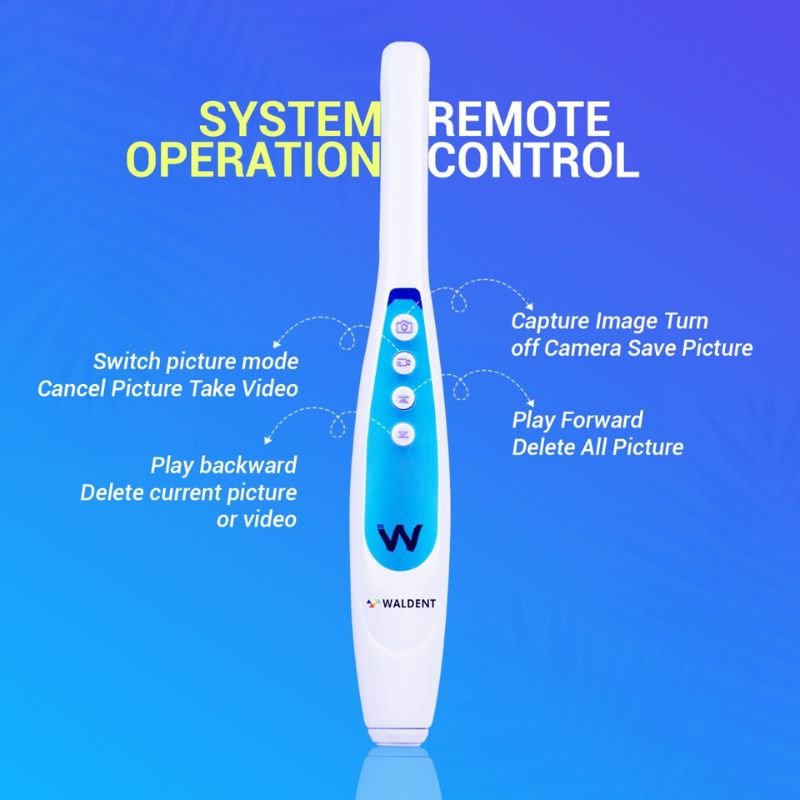
The Ergo design includes an integrated monitor handle and a spiral camera cable for convenient handling and positioning. Remote-control and key-control functions support image capture, playback, display-mode selection, and image management.

The Waldent Ergo Intra Oral Camera is suitable for dental clinics, hospitals, and dental colleges requiring chairside imaging for patient communication, clinical documentation, and treatment planning.
Features

• 10 MP CMOS image sensor designed for capturing detailed intraoral images.

• Integrated 17-inch HD monitor for direct viewing of intraoral images during dental examinations.

• Autofocus functionality with a focus range of 5–50 mm.

• 4× zoom for magnified visualization of teeth and oral structures.

• Six high-intensity LED lights for illumination inside the oral cavity.

• Embedded operating system for integrated image viewing and management.

• Single-image and four-image display modes for convenient image comparison.

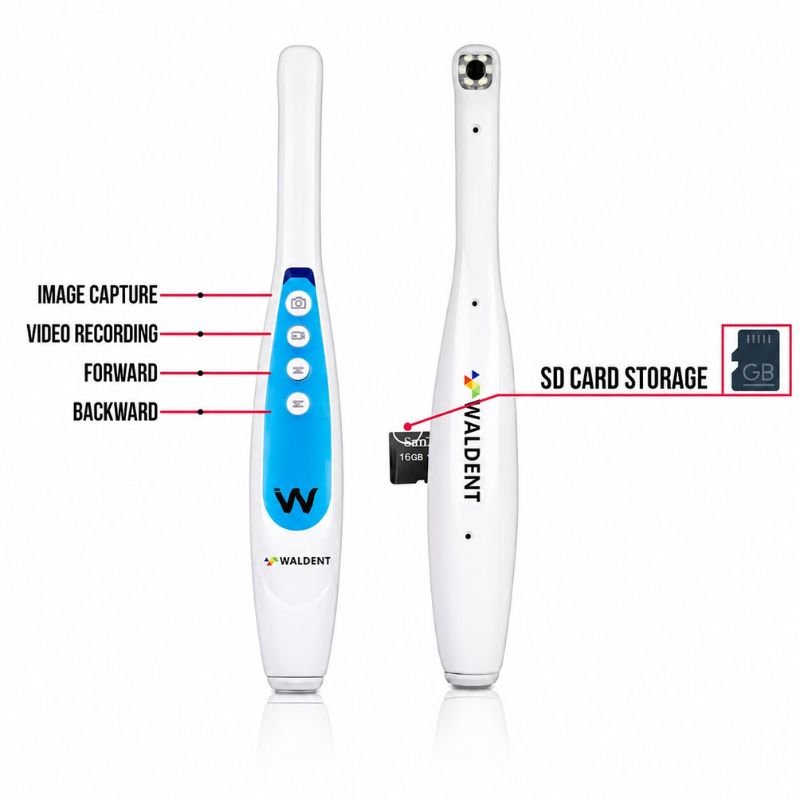
• Image capture, video recording, playback, and deletion functions.

• Supports JPG image storage and MP4 video playback.

• Automatic image backup to an SD card.

• Supports storage capacity up to 256 GB, as specified in the product information.

• Remote-control and integrated key-control operation.

• Ergonomic monitor handle for convenient positioning and handling.

• Spiral camera cable for convenient connection between the camera and monitor.

• Designed to support patient education, clinical documentation, diagnosis support, and treatment planning.

Packaging

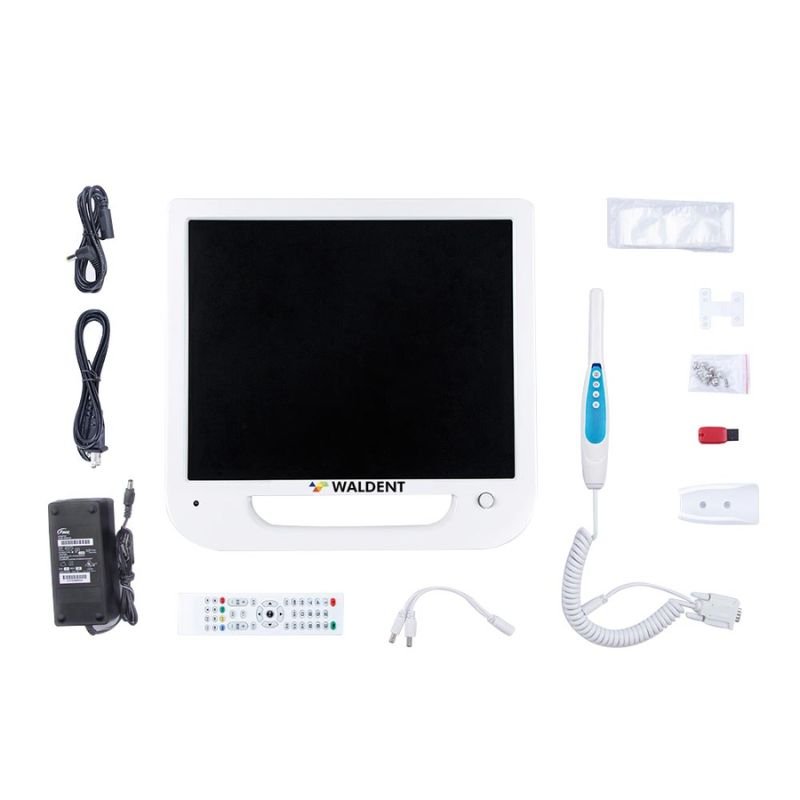
• 1 × Waldent Monitor

• 1 × Intraoral Camera

• 1 × Remote Control

• 1 × DC Adapter (12 V)

• 1 × DC Cable

• 1 × Intraoral Camera Cable

• 1 × Intraoral Camera Holder

• 1 × SD Card

• Intraoral Camera Sleeves

• 1 × Card Reader

• 1 × Intraoral Camera Monitor Clamp

Key Specifications

• Product Name: Waldent Intra Oral Camera with Screen – Ergo

• Brand: Waldent

• Model/Variant: Ergo

• Product Type: Intraoral Camera with Integrated Monitor

• Image Sensor: 10 MP CMOS

• Sensor Format: 1/4-inch CMOS

• Listed Image Resolution: 1280 × 1024 pixels

• Zoom: 4×

• Focusing System: Autofocus

• Focus Range: 5–50 mm

• Illumination: 6 High-Intensity LED Lights

• Display: 17-inch HD Monitor

• Operating System: Embedded Operating System

• Display Modes: Single Image / Four Images

• Image Format: JPG

• Video Playback Format: MP4

• Storage: SD Card / Compatible External Storage

• Maximum Supported Storage Capacity: Up to 256 GB

• Backup Mode: Automatic SD Card Backup

• System Controls: Remote Control / Key Control

• Power Consumption: 30 W

• DC Adapter: 12 V

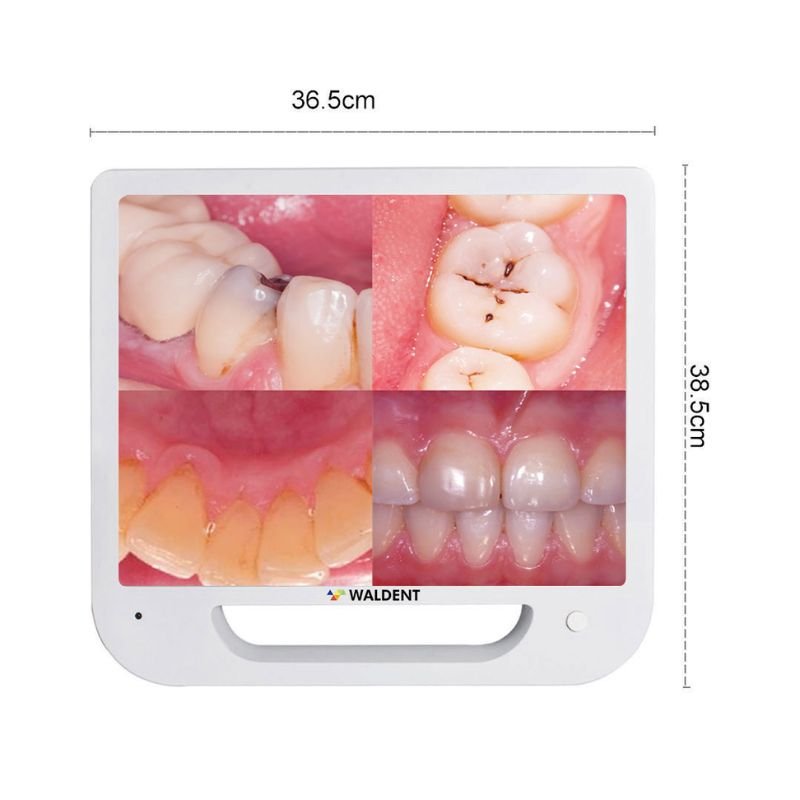
• Approximate Monitor Dimensions: 38.5 cm × 36.5 cm

• Primary Applications: Intraoral Imaging, Patient Education, Clinical Documentation, Diagnosis Support, and Treatment Planning

Direction To Use

  1. Position the monitor securely using the supplied monitor clamp or an appropriate stable mounting arrangement.

  2. Connect the monitor, intraoral camera, DC adapter, and supplied accessories according to the manufacturer’s instructions.

  3. Switch on the system and allow the embedded operating system to start.

  4. Prepare the camera for clinical use according to the manufacturer’s infection-control instructions. Use an appropriate intraoral camera sleeve for each patient and replace it between patients.

  5. Position the camera near the tooth or oral structure to be examined, within the stated 5–50 mm focus range.

  6. Use the autofocus function and LED illumination to obtain a clear image of the selected area.

  7. Operate the remote control or integrated keys to capture images and record videos.

  8. Select single-image or four-image display mode according to the clinical requirement.

  9. Review the captured images with the patient to explain examination findings and discuss suitable treatment options.

  10. Save captured images using the supported SD card storage system.

  11. Transfer stored files using the card reader or another compatible method, where required.

  12. After use, remove and dispose of the camera sleeve appropriately. Clean and disinfect the camera surfaces according to the manufacturer’s instructions.

  13. Switch off the equipment and store the camera and accessories safely after use.

Service & Warranty

• Intraoral Camera: 1 Year Warranty.

• Camera PCB: 1 Year Warranty.

• Monitor Display: 1 Year Warranty.

• Monitor PCB: 5 Years Warranty.

• Warranty coverage is component-specific and subject to the applicable manufacturer warranty terms and conditions.

• Keep the camera, monitor, cables, and connectors protected from impact, moisture, and improper handling.

• Use the supplied power adapter and compatible accessories according to the manufacturer’s instructions.

• Follow appropriate cleaning and infection-control procedures for the camera between patients.

• Do not immerse electronic components in liquid or use cleaning agents that may damage the camera or monitor.

• Retain the purchase invoice and warranty documentation for service requests.

Reviews

There are no reviews yet.

Be the first to review “Waldent Intra Oral Camera with Screen – Ergo (10 MP)”

Your email address will not be published. Required fields are marked *

Scroll to Top